> ## Documentation Index
> Fetch the complete documentation index at: https://docs.recital.finance/llms.txt
> Use this file to discover all available pages before exploring further.
# Authentication
Recital API uses API keys to authenticate requests. All requests must be made over HTTPS and authenticated over standard Bearer authentication.
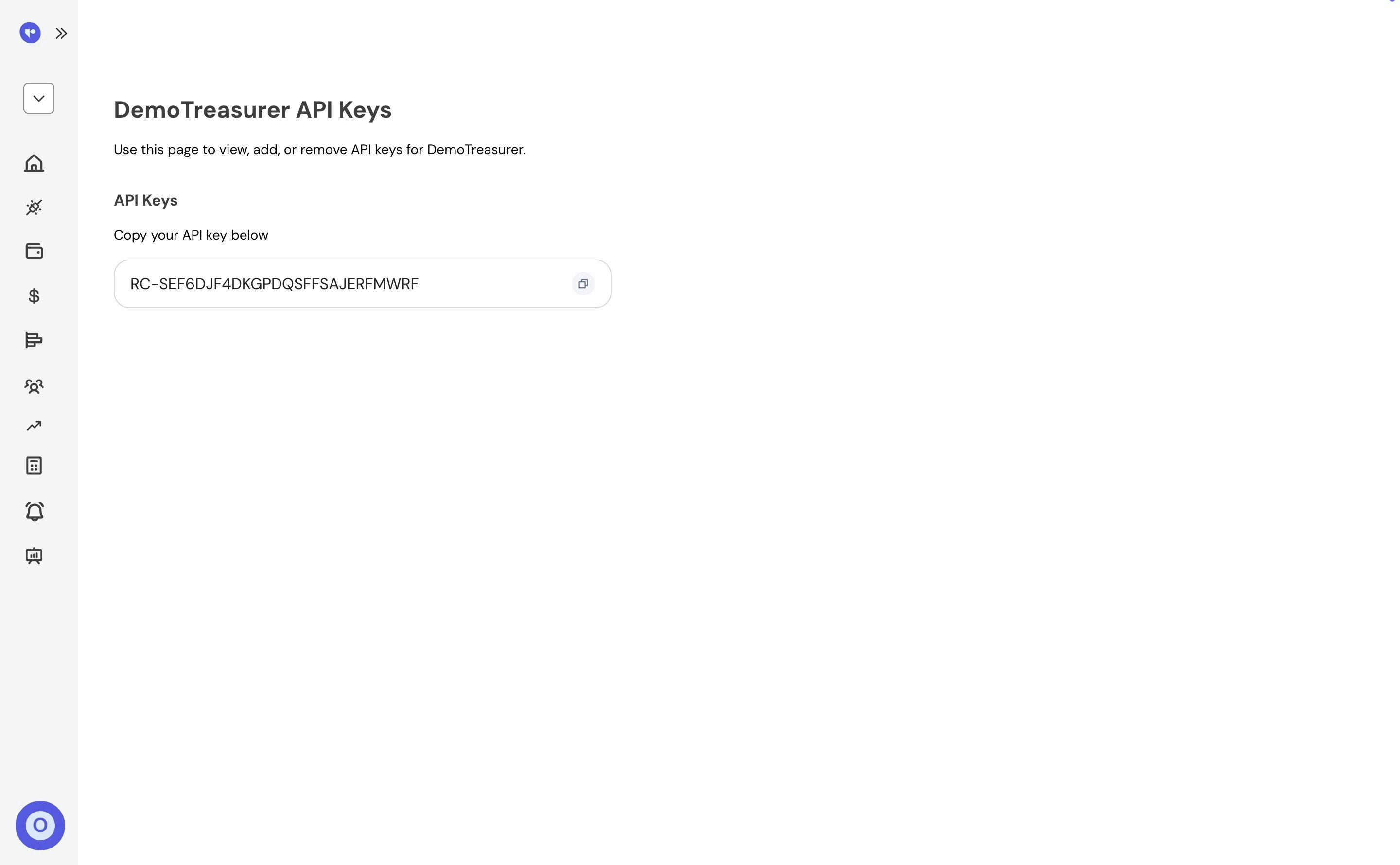
### Create API Key
API keys can be created, viewed and managed in the Recital dashboard on the
Settings > API keys screen.
 All API requests are authenticated with an API key with the following request header format:
```curl theme={null}
curl --location --request GET '/api/v1/wallet' \
--header 'Bearer api-key;'
```
🚧
Caution
An invalid, missing or expired api key will result in HTTP 401 Unauthorized responses.
They should not be in your client-side code or checked into your application's code or commit your API keys to git.
All API requests are authenticated with an API key with the following request header format:
```curl theme={null}
curl --location --request GET '/api/v1/wallet' \
--header 'Bearer api-key;'
```
🚧
Caution
An invalid, missing or expired api key will result in HTTP 401 Unauthorized responses.
They should not be in your client-side code or checked into your application's code or commit your API keys to git.